.png)
Progress bar views
To ensure that Epic Sum Up works for all users we have designed different ways for you to view your progress bars, while you are working. As a result, you will always be able to see the progress of your projects - at a glance.
We've built Epic Sum Up to reduce the number of user clicks. Our goal is to give you your time back.
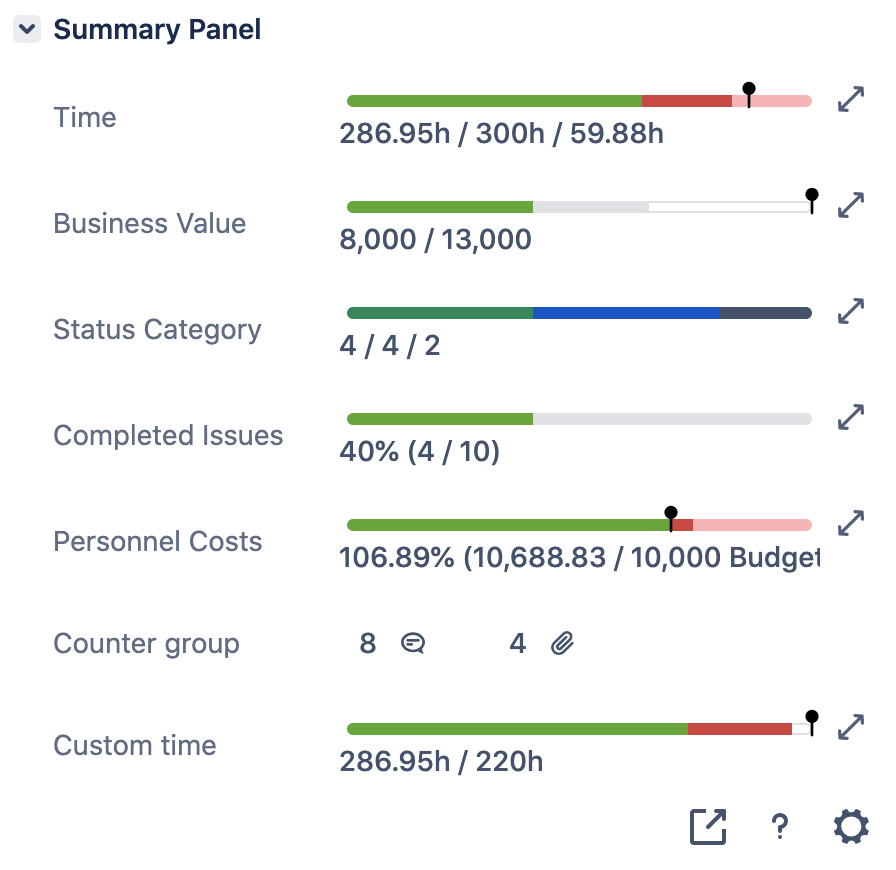
Standard Summary Panel view
Right side of the issue view
Dashboard gadget view
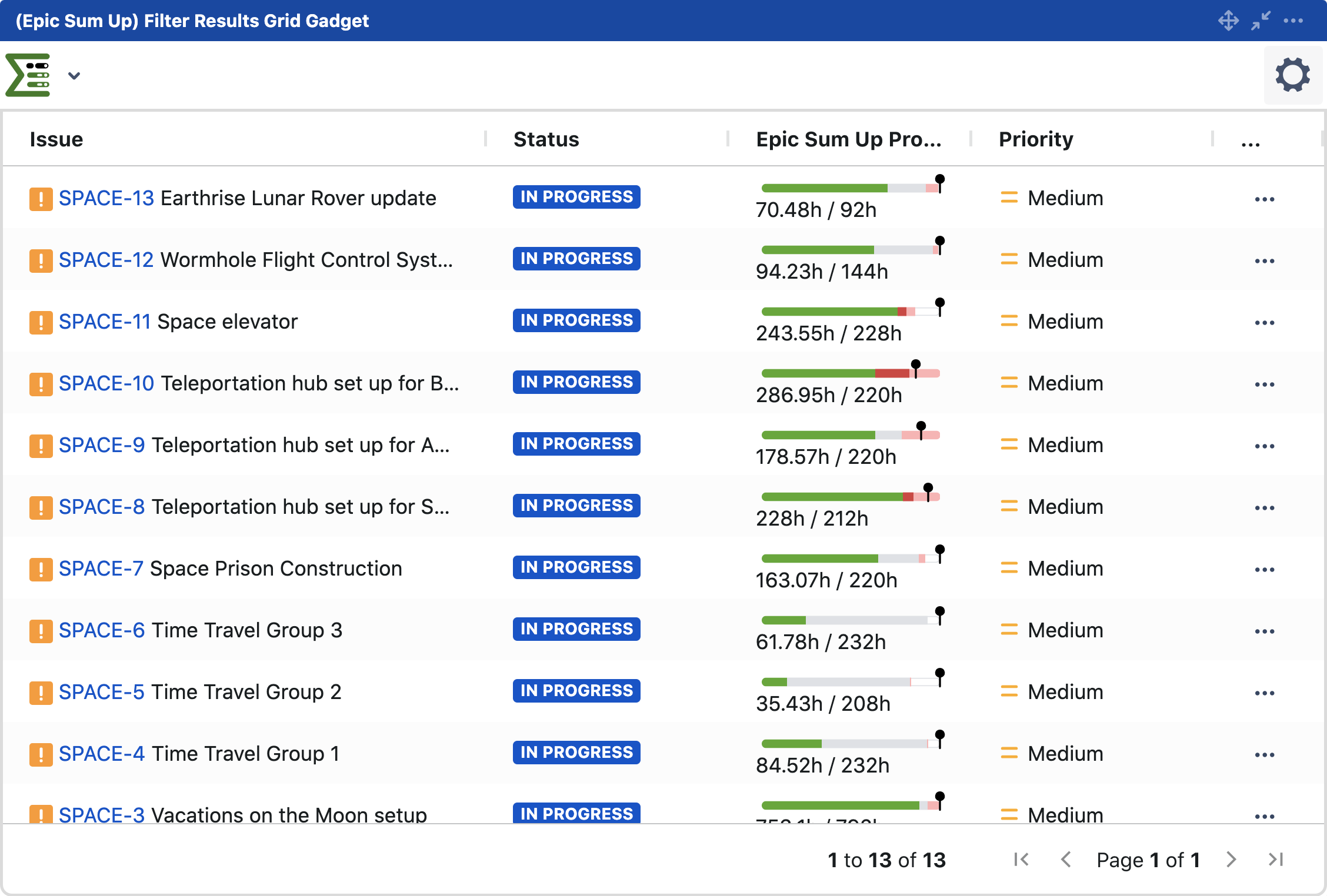
A custom-made gadget built by Epic Sum Up. The dashboard gadget view allows users to view every progress bar - predefined or generic - in one place.
This view is particularly popular when a project or program manager requires a view of all progress bars, in one place.
Custom field views
Custom field view provides users with the ultimate customisation of Summary Panels and progress bars. The custom field view allows users to display individual progress bars in custom fields. As a result, you can view progress bars anywhere in Jira.
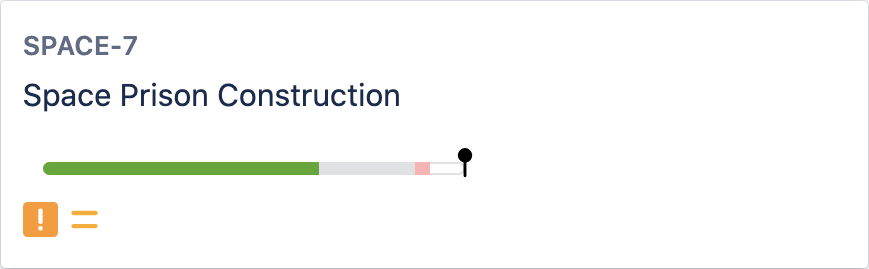
Our customers love custom field views of progress bars on Jira Kanban boards.
Once added to Kanban boards you can see the progress of your projects directly on each Kanban tile. No need to click to access the standard view. Learn more about custom fields views here.