.png)
Add field
To set a budget for any progress bar you need to create the custom field you want to use first.
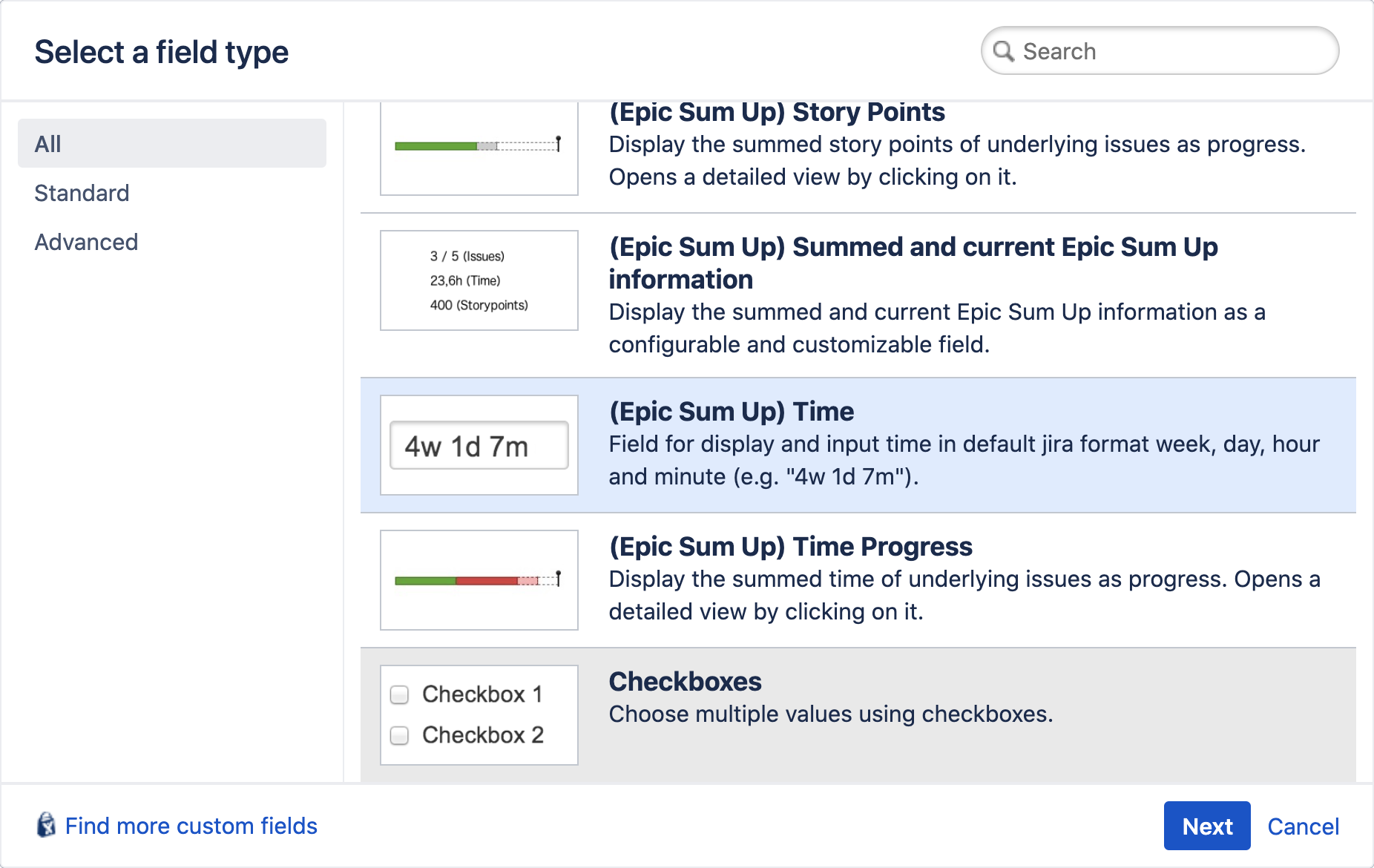
For time budgets the (Epic Sum Up) Time needs to be used.
For numerical budgets like story points you can use the Number Field.
Once the field is created, add it to the necessary screens.
Assign as budget
In the Summary Panel configuration navigate to the related progress bar and set the field as budget in the drop down menu. Depending on your configuration set up you can do this globally, per issue type or on a project basis.

Add value
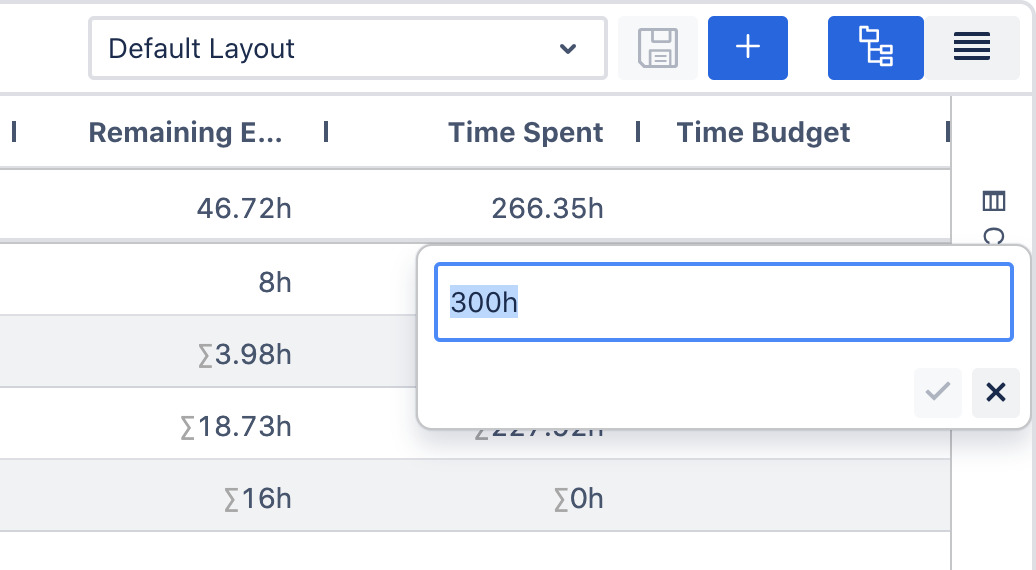
In order for the budget to appear on the progress bar, you need to add a value to the field. You can do this in the issue view or Detail View Editor.