.png)
Calculated Remaining Time
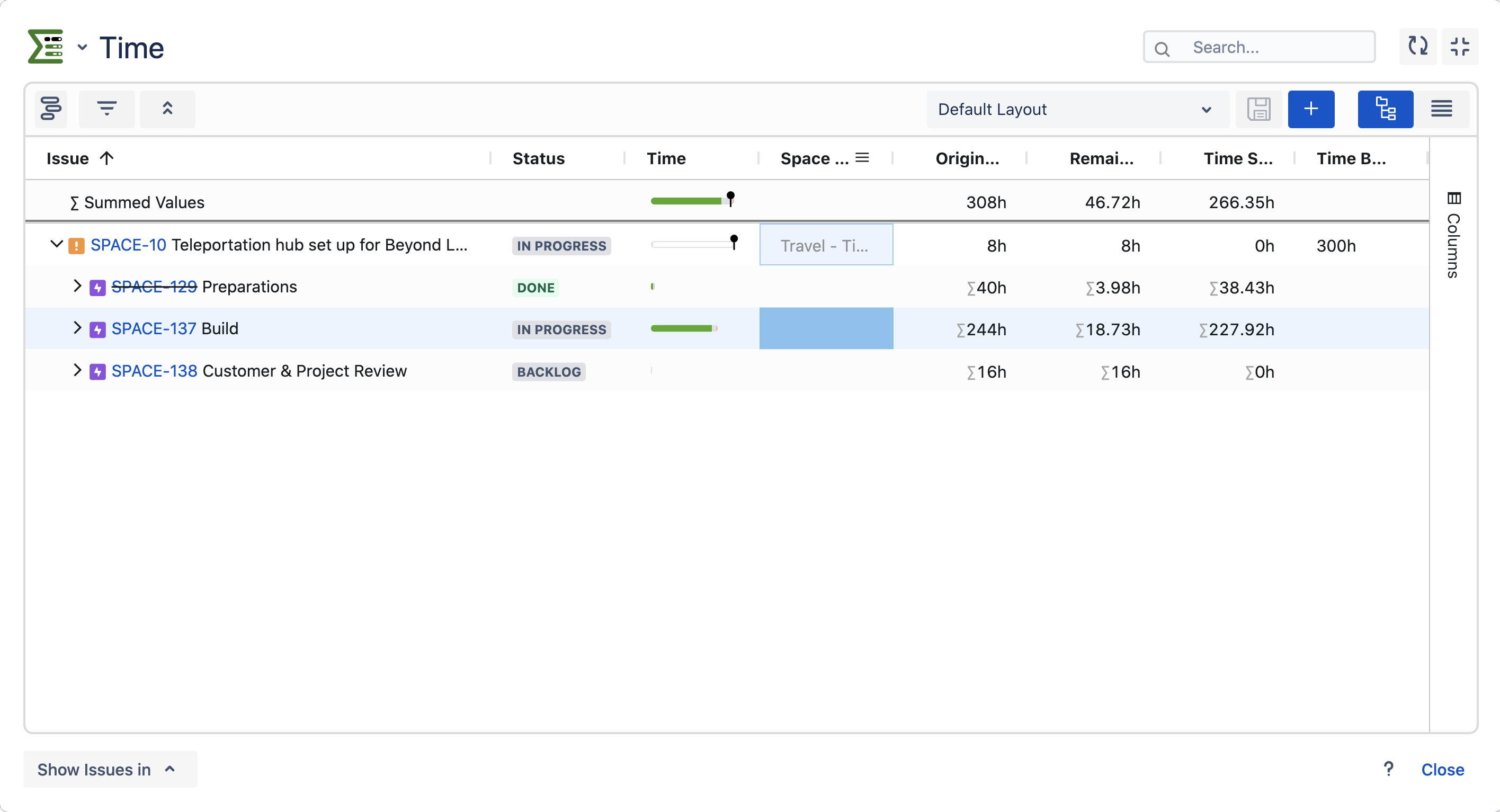
We have introduced a new time field that automatically calculates the overall remaining time for all issues. The new field can be added to the Detail View Editor.
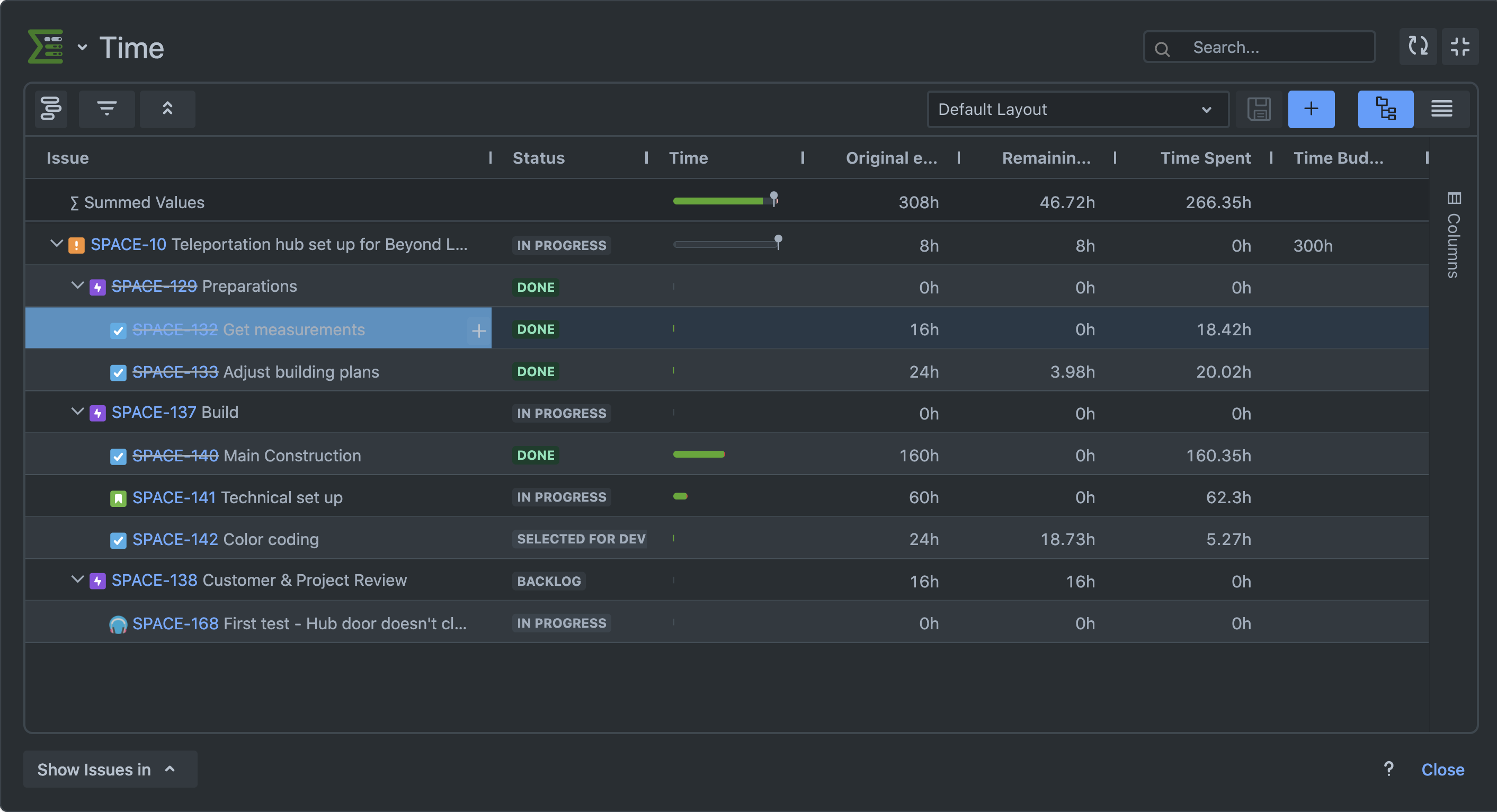
Dark Mode Support
We are thrilled to announce the introduction of a new dark theme in Epic Sum Up, seamlessly integrating it with Jira Cloud's dark theme for a cohesive and visually pleasing experience.
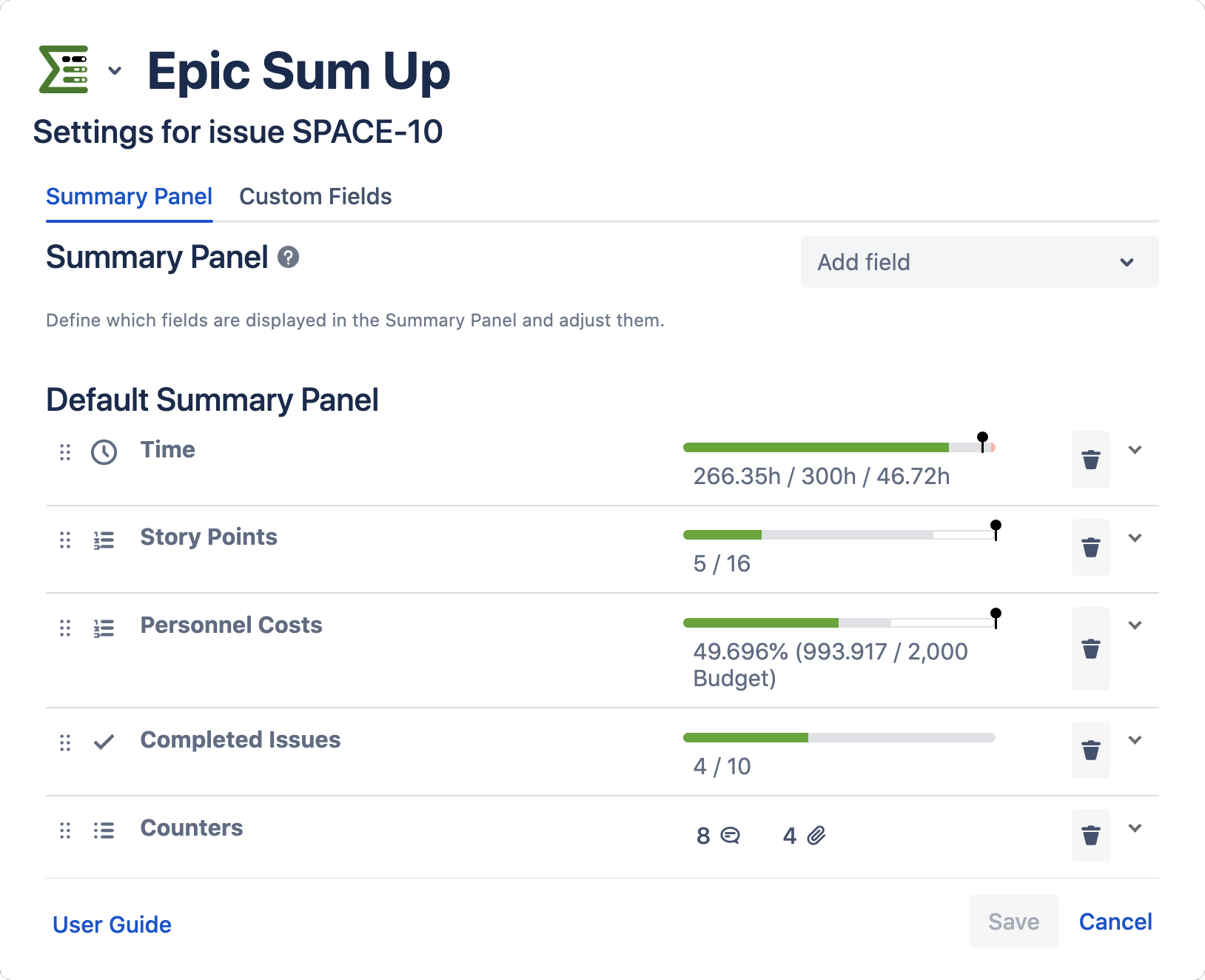
Live Preview of Progress Bar in the Configuration
You can now see a live preview of the progress bar configuration settings, enabling you to fine-tune and visualize the progress display in real-time. This functionality is applicable to all configurations, from global to issue.
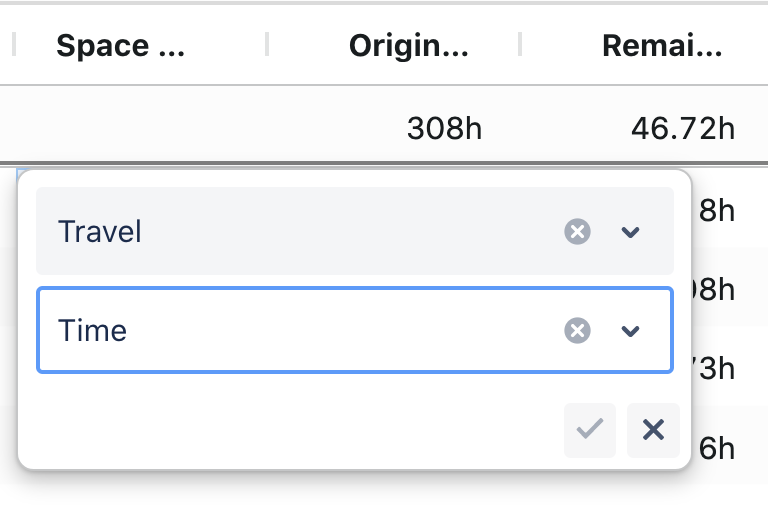
Detail View Editor: Cascading Select Filter / Edit Support
Enhancements have been made to the Detail View Editor, allowing for cascading select fields to be filtered and edited.
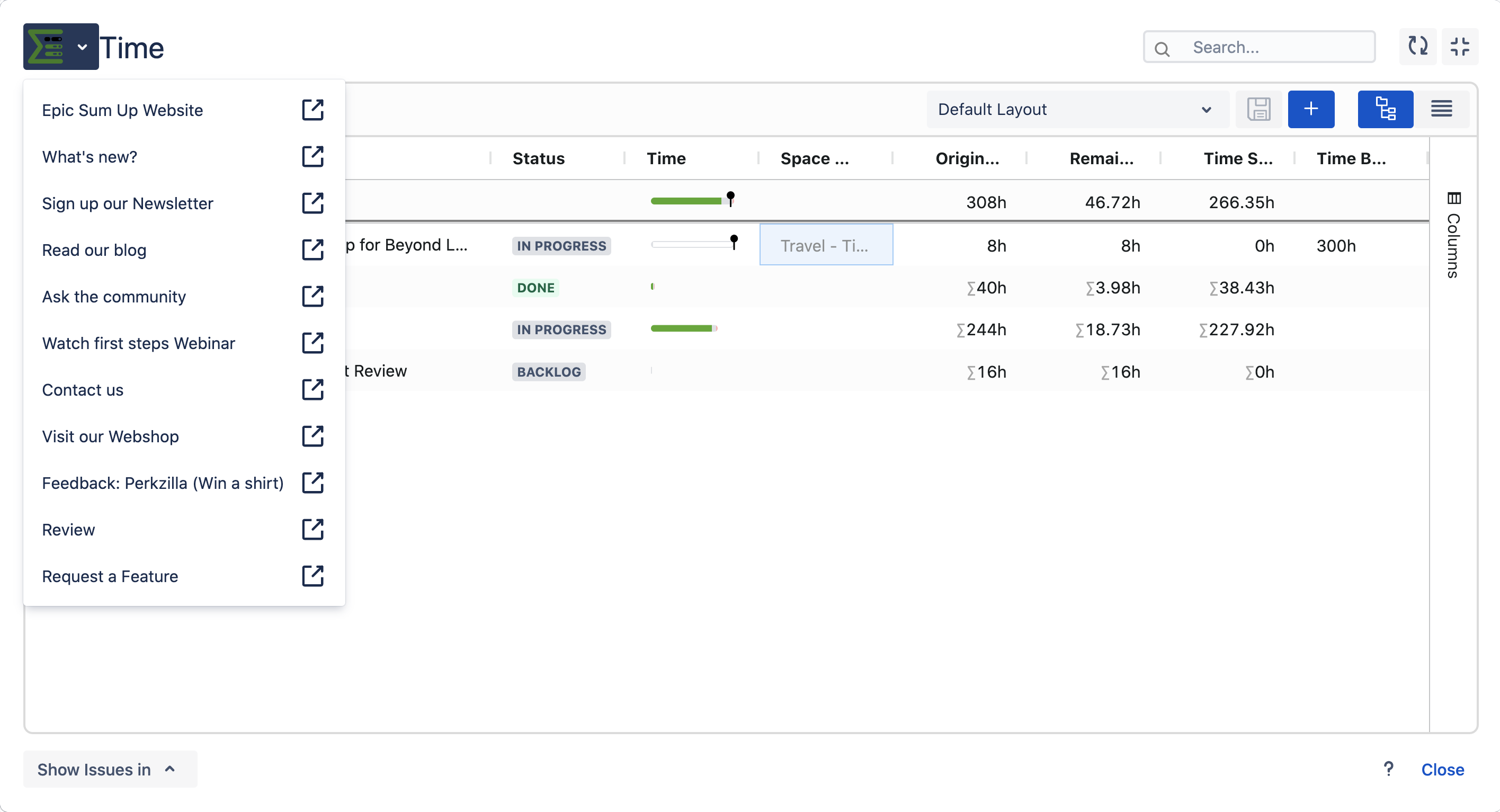
Help Menu and ESU Menu Adjustments
We have enhanced the help menu and added a new Epic Sum Up Menu in the Detail View Editor. You can access the menu by clicking on the logo in the upper left corner.
Improved Highlighting of Editable Cells in Detail View Editor
We have improved the visual highlighting of cells that can be edited within the Detail View Editor, making it easier to identify the data that can be modified.
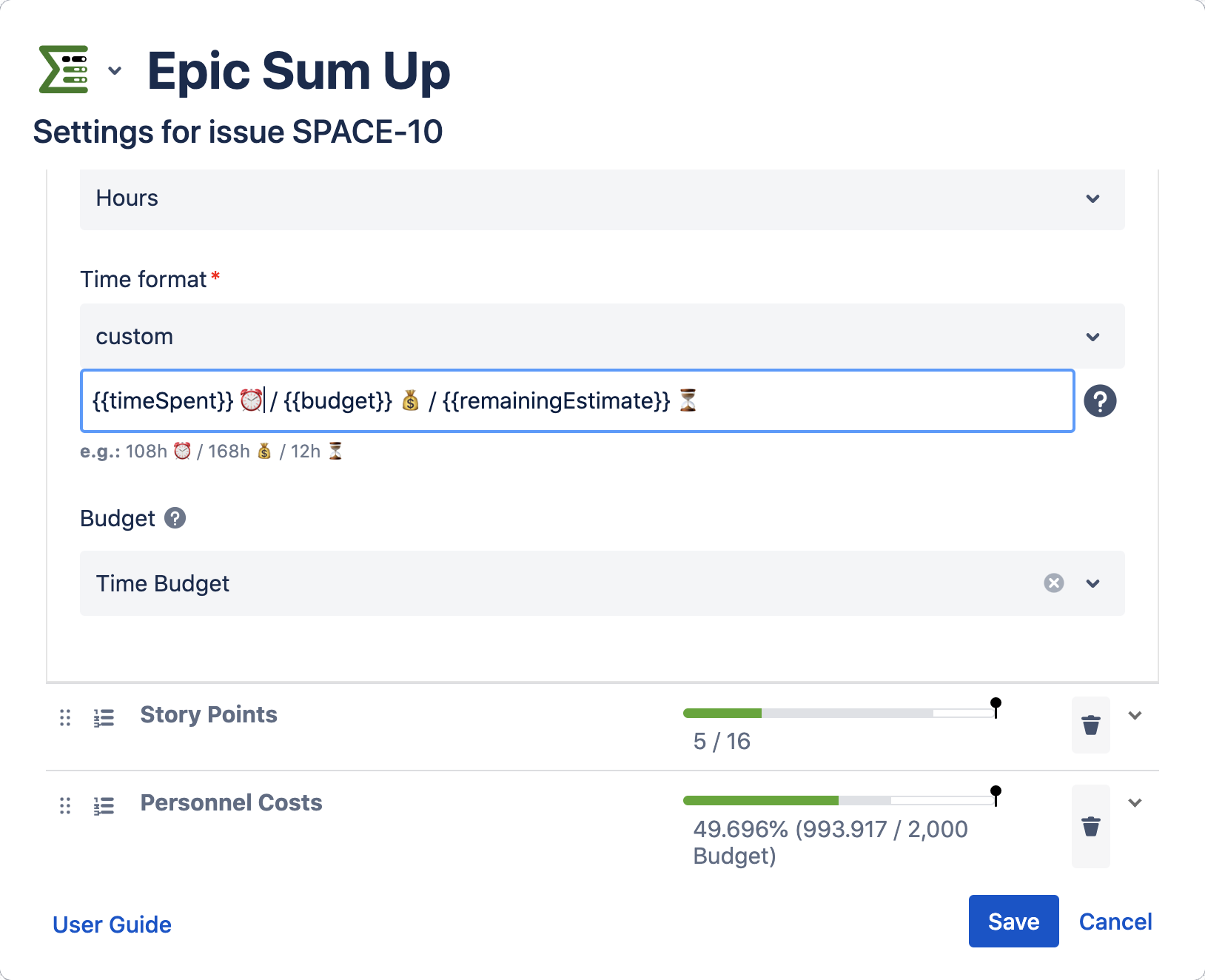
Customizable Progress Bar Texts with UTF-8 Emoji Support
We have added support for customizing the texts of the progress bars, including UTF-8 emojis. This feature allows for more personalized and expressive progress indicators.
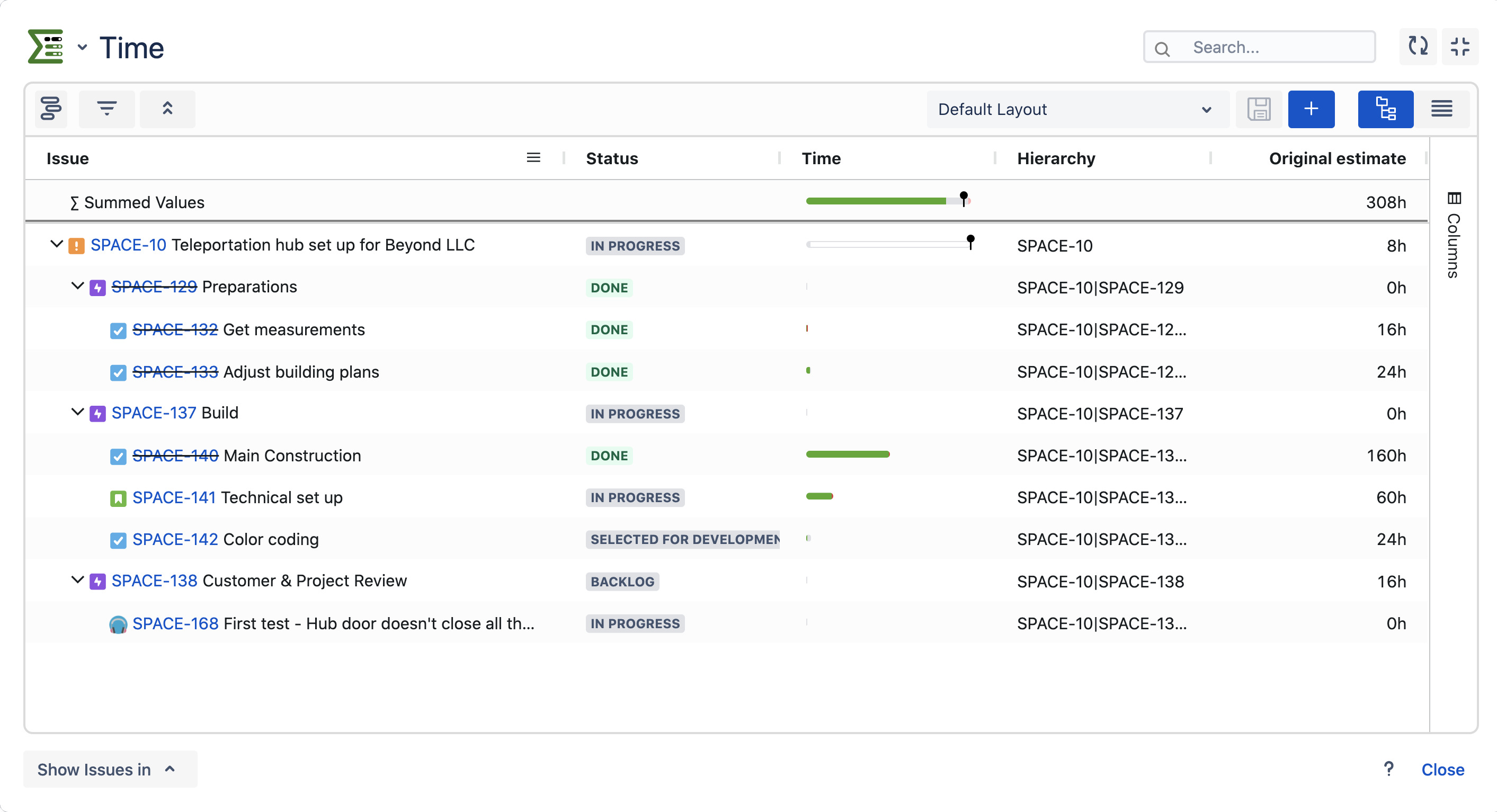
New Column: Hierarchy in Detail View Editor for Excel Export
To facilitate working with hierarchies in Excel exports, we have introduced a new hierarchy field to the Detail View Editor. Each field lists the hierarchy above its associated issue using keys.
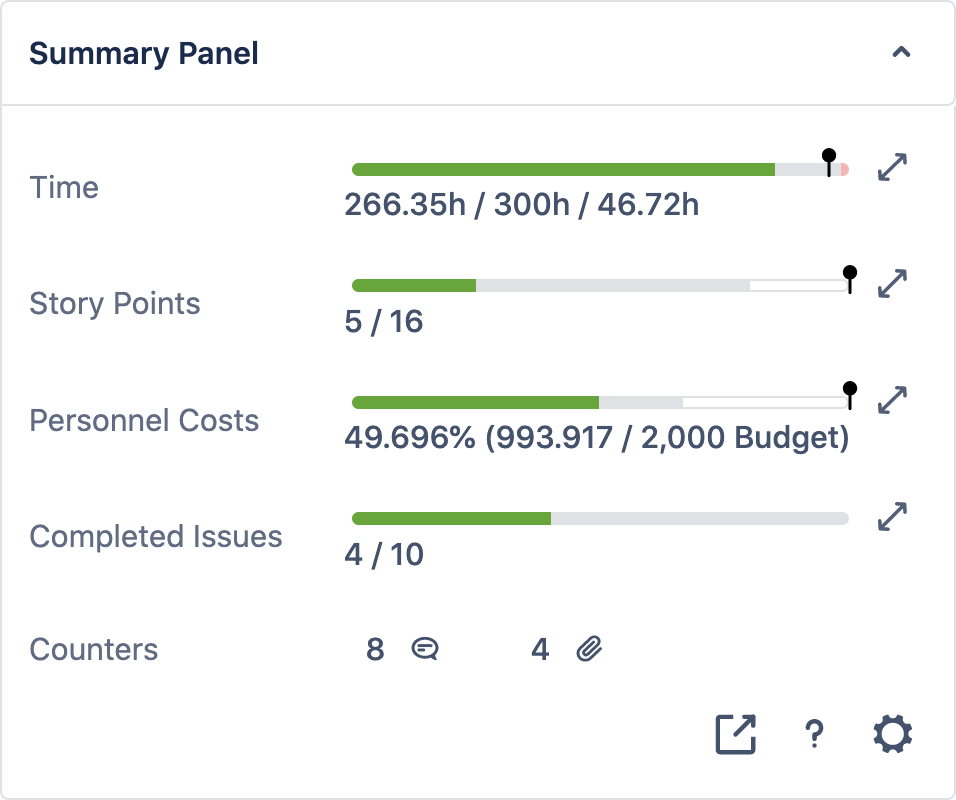
Summary Panel in New Issue Context
The Summary Panel now appears in the new issue context side panel and remains open after being accessed for the same issue type, providing a more immediate overview.
Global Custom Fields for Team-Managed Projects
In team-managed projects, you can now select global custom fields within the Detail View Editor and Summary Panel configuration, expanding your customization options.
Performance and Design Enhancements
At Epic Sum Up, we are committed to delivering the best possible experience to our users. As part of this commitment, we regularly update our application with the latest technology advancements. In this release, we have made slight performance improvements and implemented minor design updates to enhance your overall experience.
Bug Fix - Issue Order Stability in Parent Navigation
We have addressed a bug that previously caused the issue order to change when navigating to a parent issue.